











Signing in connects your device to your betting account. Until you authenticate, you can browse markets and check odds, but you cannot place a bet, view your balance or withdraw. The credentials are the phone number you registered with and the password you chose during signup. Both details need to be accurate and kept private.
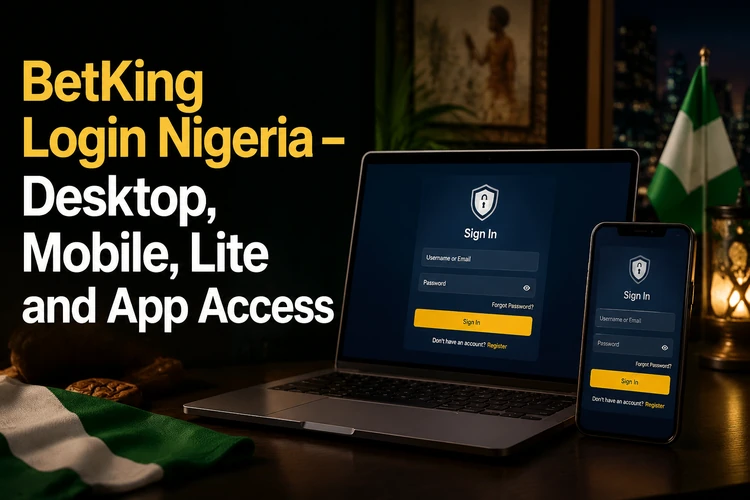
There is more than one entry point because Nigerian players use different devices and connections. A cashier in a retail shop may work on a desktop terminal all day, while someone on a weak mobile connection needs a lighter page. A player with a recent Android phone may prefer the app. These routes lead to the same BetKing account and balance; only the interface changes.
Understanding the BetKing login
Account authentication confirms that the person using the device is the account holder. A phone number and password are normally enough for an ordinary sign-in, although an account may require additional verification if its details have changed or unusual activity is detected. Keep your registered SIM available because it may be needed for a verification code or password reset.
The service can be accessed through a desktop browser, a phone browser, a Lite interface or the app. The choice depends on screen size, connection quality and whether you are using a personal or shared device. A desktop is convenient for comparing several markets, while a phone is more practical for checking a bet slip away from home. Do not create duplicate personal accounts simply because you change devices.
Step-by-step: how to sign in
The order of the steps is the same on every platform. Open the official site, tap the sign-in area at the top of the page, then fill in your details. Check the address bar before typing anything, particularly if you reached the page from a message or advertisement.
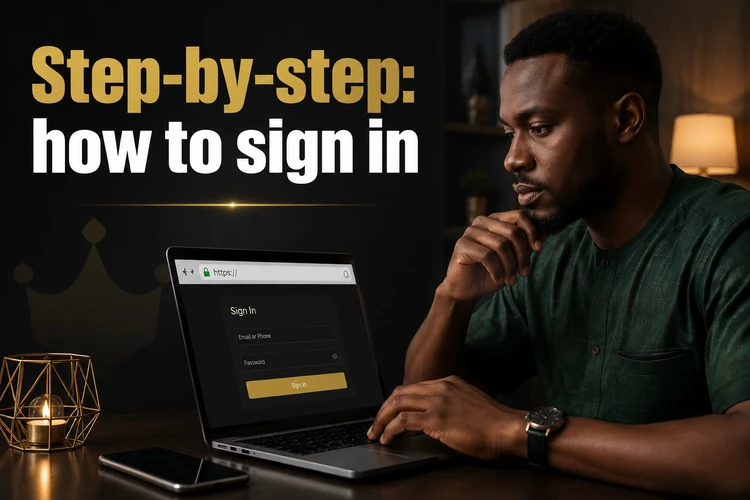
- Step 1: Open the official BetKing site in your browser or launch the app.
- Step 2: Enter the phone number tied to the account, without spaces or a country prefix unless the field asks for one.
- Step 3: Type your password. Use the eye icon to reveal it if you are unsure about a character.
- Step 4: Confirm, then wait for the dashboard with your balance to load.
Most failed attempts come from small things: an extra space copied from a notes app, caps lock left on, or an old number that was changed after switching networks. If the form rejects your details twice, stop and reset the password instead of guessing repeatedly. Several wrong attempts can temporarily lock the account, and repeated tapping can submit the same form more than once on a slow connection.
Mobile login and the Lite version
The mobile version of the site works in Chrome, Opera Mini, Samsung Internet, Firefox and Safari on iPhone. Its layout adapts to the screen, so bet slips, market lists and account functions remain reachable on a small display. You do not need to install anything to use a phone browser, but keep the browser updated and avoid signing in while connected to an unknown public network.
The Lite build is intended for slow connections and older handsets. It removes heavy graphics and animation, so pages can open faster and use less data. Older phones and the legacy Mlite interface can still cover essentials such as signing in, funding the account, placing a bet and checking results. On a modern device with a stable connection, the standard mobile site is usually more suitable for a wider selection of markets and live features.
If the phone browser keeps returning to the sign-in screen, check whether cookies are blocked or the device is nearly out of storage. Switching between mobile data and Wi-Fi can also identify whether the problem is the connection rather than the account. Avoid clearing all phone data until you have confirmed that you know the registered number and password.
App login and account access
The Android package is downloaded directly from the site rather than a store, so installation asks you to allow files from unknown sources once. Only use the official download route and disable that permission again after installation if your phone offers the option. The first sign-in uses the same phone number and password as the browser.
Keep the BetKing app updated. Older builds can fail to authenticate after a service-side change, and the symptom may look like a wrong password when the real problem is the installed version. If sign-in fails after an update, close the app fully, reopen it and check your connection before trying a password reset. Review app permissions and do not install modified versions from third-party file-sharing pages.
Registration, password reset and recovery
You cannot sign in without an account. If you have never opened one, complete registration with your phone number first, confirm the verification code, and use the same number when signing in. Check every digit during registration; a typo can create an account that is difficult to reach later.
For a forgotten password, use the Forgot password? link on the sign-in form. A reset code is sent to the registered number, and you set a new password after entering it. Enter the code promptly and do not share it with another person. If several codes arrive, use the most recent one and avoid requesting many more, as this can make the process harder to follow.
Problems arise when the SIM is no longer in use, the number was ported, or SMS delivery is delayed. First check signal strength and confirm that ordinary messages arrive on the phone. If the number cannot be recovered, contact customer support and provide only the information requested through the official support channel. Never send a password or one-time code to someone claiming to be an agent.
Common problems and login security
Cached files are a common invisible culprit. A browser that stored an old version of the sign-in page may reject valid details; clearing cache and cookies, or opening a private window, can show whether that is the cause. An unstable connection may submit the form without a response, so wait for the page to finish loading rather than tapping repeatedly. An outdated browser can cause similar display or session problems.
Retail shop and cashier accounts are separate from personal betting accounts. They are issued to shop staff, carry different permissions and are managed through the operator's own portal rather than the standard player form. A cashier should use the credentials supplied for that role and avoid saving them on a public terminal. Customers should not be given access to staff screens or operational accounts.
Use a password you do not reuse elsewhere, and never type it on a page reached through an unexpected SMS link or social media advert. Copies of sign-in pages are a common phishing tactic. On shared computers, log out when finished and decline any offer to save the password. If you notice a bet or withdrawal you did not make, change the password immediately and contact support. Betting is for adults aged 18+; setting deposit or time limits through responsible gambling tools is a sensible habit.
After signing in, check the account details and balance before placing a bet. Aviator and Virtual Sports use the authenticated account, so a separate personal login should not be necessary. If a game or market does not load, refresh once and check the service status rather than opening another account. Keep records of support messages and transaction references if an issue needs follow-up.
FAQ
You need the phone number used during registration and the password you created. No email or username is normally required. Check for stray spaces, an incorrect digit or an autofilled old password before submitting.
Common causes include caps lock, an old saved password, cached page data or a keyboard setting that changes characters. Clear the browser cache and cookies or open a private window, then try once more. If it still fails, reset the password instead of repeating attempts.
Password resets are sent by SMS to the registered number, so a lost or ported SIM can block that route. Contact customer support through the official channel and explain the situation. You may need to verify account details before a contact number can be updated.
Both provide access to the same account and balance. The standard mobile site supports a broader interface, while the Lite version removes heavier elements so pages can load faster and use less data. Lite is useful on older phones or a weak network.
No. One BetKing account covers the sportsbook, Virtual Sports and Aviator. Once you are signed in, select the relevant feature from the available menu. If access is missing, check whether the account needs verification or contact support.
Keeping a session open on a personal device with a screen lock can be convenient. On a shared or public computer, log out every time and refuse to save the password in the browser. Change the password immediately if you suspect someone else has used the account.